
How to Make a Hotel Lobby AI Video
Choose two clear photos, upload your duo, review the generation cost, and preview and download your video.
Choose two clear photos
Use a separate photo for each person. Choose clear faces, good lighting and an upper-body view. Group photos and heavy blur can make the result less consistent.
Upload your duo
Open the homepage generator and choose Person 1 and Person 2. You can replace either photo without losing the other one. Photos are checked for supported format, file size and image dimensions.
Use the Classic style
The first release uses the Classic orange-studio duo template. There is no prompt or model to configure. Pet and illustrated styles are not currently supported by the on-site generator.
Review the cost and generate
When generation is available, sign in and review your balance and the credit cost before confirming. The video is created on the same page. While it is running, the page shows the current task status.
Preview and download
When your video is ready, play it on the page. Download the generated file, or choose different photos to start a new video. Downloading the same result does not create a new generation task.
Start with a clear photo.
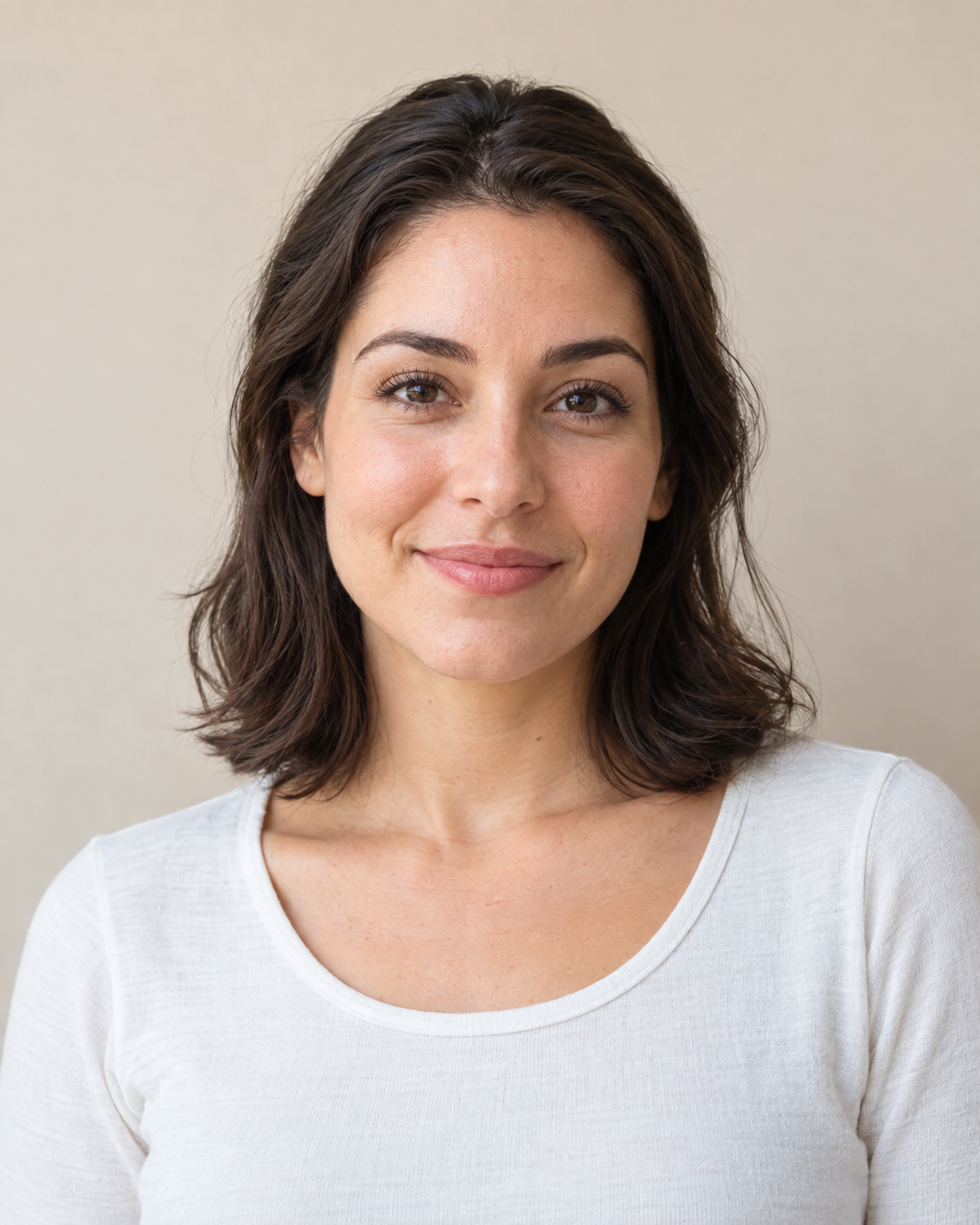
Works best
- One person
- Clear face
- Good lighting
- Upper body visible
Try another photo
- Group photos
- Covered faces
- Heavy blur
- Tiny faces